

The Real Differences Broken Down by Category
of CloseBot users on HighLevel have tried both and chose CloseBot
more bookings reported when switching to CloseBot
reliability with CloseBot

The AI setter built for those
focused on revenue
See how CloseBot stacks up against HighLevel’s native AI on the features that matter most
| Feature | CloseBot | HighLevel |
|---|---|---|
|
Agency CompatibleUnlimited account connections, each with its own rebill settings — including connecting to Stripe customers you already have. Able to white label, rebill and more |
||
|
Easy to SetupHighLevel’s AI settings are scattered across the platform. There is no single place where conversational AI is the focus and everything lives together. Get set up in minutes, no developers |
||
|
99.99% UptimeCloseBot runs four AI providers with automatic fallback on hardened infrastructure. Downtime is one of the reasons HighLevel users give for moving across. Highly scalable and reliable |
||
|
Scalable PricingHighLevel bills tokens, which fluctuate and are hard to quote a client on. CloseBot charges a flat per-message fee, often below the token cost because the prompts are optimised. Pricing that makes sense as you grow |
Fixed | Variable |
|
No CRM LockIf you or your clients ever leave HighLevel, CloseBot keeps working. Your agents, prompts and flows move with you. Natively integrate HighLevel, HubSpot + Custom |
||
|
HIPAA & GDPR CompliantHIPAA compliance on the Growth plan with quarterly audits, and GDPR compliant throughout. Agencies in regulated verticals have moved across after hitting compliance and cookie-consent problems they could not get resolved natively. Highest security standards |
||
| Start for Free |

Conversational AI is More than Just Another Feature
HighLevel has moved on to building the next shiny feature. CloseBot is still innovating.
- HighLevel Conversational AI is always behind the cutting edge
- HighLevel Conversational AI feels like it needs babysitting
- HighLevel Conversational AI sits scattered across V1, V2, V3…
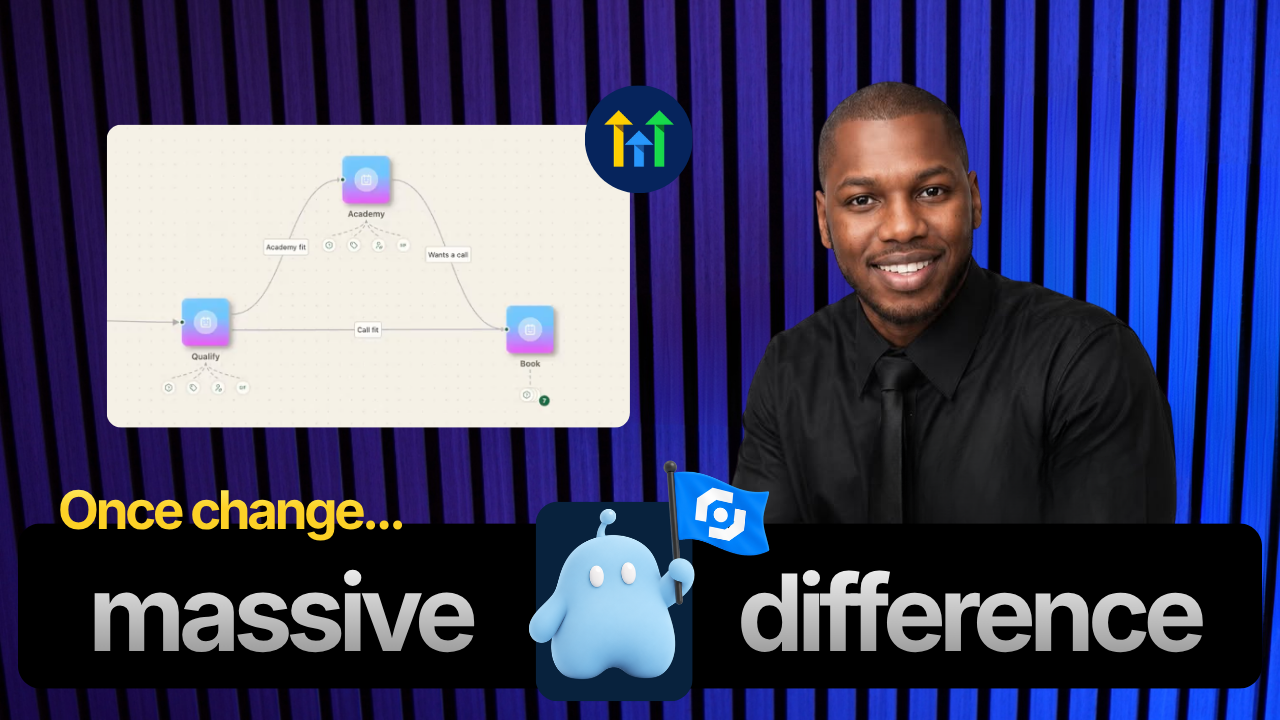
Here are the differences for all things that make up great Sales AI
Three categories. Each one is a place where CloseBot and HighLevel have differences that impact you and your results.
Start for Free
HighLevel is a responder, CloseBot is a closer.
HighLevel’s conversational AI doesn’t get the focus that CloseBot does, and that results in fewer closings, less revenue and more headaches.
| Feature | CloseBot | HighLevel |
|---|---|---|
|
Agentic reasoningHighLevel has parts of Conversational AI scattered across the platform, and not all versions support agentic reasoning — so what you get depends on which one a sub-account is running. Works out the path itself instead of running a script |
Limited | |
|
Multi-bubble repliesA CloseBot persona breaks one thought into several short texts, adds a delay before replying, and can even make an occasional typo and correct it. Both switch off automatically on email. Splits one answer across short, separately timed texts |
||
|
Conversational reschedulingBoth can move an appointment mid-conversation. In CloseBot it is off by default and enabled per job flow, so an agent cannot reschedule anything unless you have explicitly let it. Moves an existing appointment inside the thread |
||
|
Smart FAQWhen the agent hits a question the knowledge base does not cover it says so rather than inventing an answer, logs the question and notifies you. Answer it once and CloseBot goes back to every lead who asked. Flags what it could not answer, then re-engages everyone who asked |
||
|
Testing portalRun the agent against your own messages before it talks to anyone, including a real booking. Nothing you test shows up in your reporting data. Prove it mid-flow before a real lead ever sees it |
||
|
AI model fallbackEvery message tries your primary provider, then other models within it, then your secondary, and down the list. Message history carries across, so the lead never sees a seam. Four providers, auto-routing the moment one goes down |
||
|
Custom toolsAn Agent Node can call any API you give it — ServiceTitan, Stripe, property data, your own internal system. On HighLevel this only exists in the newest version of Conversation AI. If the software has an API, the agent can call it |
V3 only | |
| Start for Free |
60-second quiz
Which reply would you rather get?
Four real moments from a lead conversation. We’ll show you who wrote what at the end.

0/4
You picked CloseBot every time. You picked CloseBot 0 out of 4 times. Interesting. You went the other way.
Four for four. Every reply you preferred as the customer is one CloseBot sends automatically: short, natural, and written to keep the lead talking. CloseBot’s replies are designed to be natural, resulting in higher reply and conversion rates when compared to HighLevel’s Conversational AI. You picked the other reply each time. Most people go the other way, but the point holds either way: the wording of a single reply decides whether a lead answers it.

Metrics that go deep into the conversation of what converts sales
Counting messages tells you the agent ran. It does not tell you which persona won, how the lead felt, or where the money went.
| Feature | CloseBot | HighLevel |
|---|---|---|
|
Conversation-level reporting Metrics about the AI conversation, not just the pipeline |
||
|
Persona A/B testing Run two personas head to head and let the numbers pick |
||
|
Sentiment scoring How the lead felt in the conversation and how that changed over time |
||
|
Topics See topics discussed over time and how those topics relate to lead satisfaction |
||
|
Lead scoring Every point your agent awards, on the signals you define |
||
|
AI spend and billed cost See what areas of your prompts are affecting spend over time |
||
|
Formula metrics Build one we do not ship, like AI replies per contact |
||
|
Reportable metrics How much there is to actually report on |
28+ | Basic |
| Start for Free |

$1,240
One number. That is the whole report.
$1,240
Tracks cost categories for transparency
Same spend. Only one of these tells you where it went.
Illustrative figures, shown to demonstrate segmentation. Not a customer’s account. CloseBot message costs are fixed unless the Agent Node is unlocked for unlimited tools and prompt size.

All channels from all accounts in one easy to navigate inbox
Whether you have 2 accounts or many accounts, view all chats across all channels within one organized inbox.
| Feature | CloseBot | HighLevel |
|---|---|---|
|
Every account in one list All connected accounts in a single inbox |
||
|
Same team, different permissions Invite users or clients and they see only the accounts you allow, all together |
||
|
AI or human, per message Tracked on every message, filterable, and a reporting segment |
||
|
Take over mid-thread Pause the AI, reply as yourself, hand it back |
||
|
Works with no CRM at all Leads arrive through the chat widget or a webhook |
||
|
Accounts connectable How many accounts one view covers |
Unlimited | One at a time |
| Start for Free |
 1
2
3
4
5
6
7
1
2
3
4
5
6
7

Seven Accounts? One Inbox with CloseBot.
HighLevel gives every account its own inbox and its own login. CloseBot connects all of them to one list, and you work the whole book of business from it.
You connect CloseBot to your HighLevel account, build your agent, test it in the testing portal, then turn off the native AI in the sub-accounts you’re moving. Nothing in your existing HighLevel setup gets rebuilt. Most agencies run one sub-account on CloseBot first, confirm the conversation quality against what the native AI was producing, then roll out across the rest of their book.
Yes. CloseBot is built for agencies, with white labeling and rebilling included, so usage costs pass through to the client rather than sitting on your P&L. This is the main structural difference from an unlimited-style add-on: you pay for what your clients actually use, and you control the margin on top of it.
No. CloseBot sits on top of your CRM and uses what’s already there. Your calendars stay your calendars, your pipelines stay your pipelines, and your workflows keep firing. CloseBot handles the conversation and writes the booking back into HighLevel, so the rest of your automation continues to work exactly as built.
Yes. Every agent can be run through the testing portal before it goes live, including mid-flow, so you can see how it handles objections, pricing questions, and booking edge cases without risking a real conversation. This is usually the step that decides it for agencies who have been burned by native AI saying something they’d have to apologize for.
CloseBot automatically routes to a fallback model rather than dropping the conversation. Model outages are a real operational risk when your setter is AI, and a lead who gets silence during one is a lead you’ve lost. CloseBot has offered fallback support for years and publishes live platform uptime, currently 99.99%.
Yes, which is why it’s viable for healthcare, financial services, and EU-based clients where the compliance posture of your conversation tool is not optional. If you’re evaluating on behalf of a regulated client, the compliance documentation is worth pulling before you commit either way.
No. CloseBot integrates natively with HighLevel and HubSpot and connects to other CRMs through a custom source, so your agents, prompts, and flows move with you. Your conversational AI isn’t tied to the CRM you happen to be on this year, which matters if you’re a white-label agency or you’re weighing a platform change down the road.
Minutes, not weeks. Agents are built with a drag-and-drop builder, tested in the portal, and connected to your CRM without developers. Most teams have their first agent live the same day they sign up.